
Business Process Automation
Business Process Automation That Removes Work, Not Just Moves It
Business process automation that starts by mapping how the work actually runs, including the workarounds nobody documented. We automate the repeatable steps, escalate the rest with context attached, and measure the result against the baseline we recorded first.
Automate the Work Your Team Repeats
A look at what the numbers say about the team behind your automation.
01 Trusted by
Teams whose processes we automated
From venture backed startups to enterprise operations, these are the teams whose repetitive work we took off their desks.












02 Capabilities
Business Process Automation Services
Business process automation covers process discovery, document intake, workflow orchestration, decision automation, integration and monitoring. Together they decide whether an automation runs unattended or quietly needs a person watching it, which is the difference between removing work and relocating it.
What is an AI agent?-
Process Discovery and Mapping
We map how the work actually runs rather than how the process document says it does, including the spreadsheets and the email threads. That map is what tells you which steps are worth automating and which ones should simply be removed.
What is an AI agent? -
Document and Intake Automation
Invoices, forms, contracts and email requests are read, classified and routed without a person keying them in. Anything the model is unsure of goes to a human with the extracted fields already attached, so review is a check rather than a re-entry.
What is an AI agent? -
Workflow Orchestration
Multi step processes run across the systems that already hold your data, with retries, timeouts and compensating actions defined up front. When a step fails, the process knows what to undo rather than leaving a half finished record behind.
What is an AI agent? -
Decision Automation
Rules and models handle the routine decisions, approvals, eligibility checks, tier assignment, while exceptions escalate with the reasoning attached. Every automated decision is logged with its inputs, so an auditor can reconstruct why a given outcome happened.
What is an AI agent? -
System Integration
Automation only works if it reaches the systems the work lives in. We connect your ERP, CRM, ticketing and finance tools directly, with identity and permissions designed first rather than bolted on once something is already running.
What is an AI agent? -
Monitoring and Exception Handling
Every automated process reports throughput, failure rate and the exceptions it could not settle. You find out that a queue is backing up from a dashboard rather than from the person whose work it blocked.
What is an AI agent?
03 Our process
How a Business Process Automation Build Runs
An automation build runs in seven steps, from process discovery and opportunity scoring through design, integration and testing against real volume, to a controlled rollout and ongoing tuning. Nothing touches live work until the exception rate is a number you have seen.
What AI development costs-
Process Discovery
We sit with the people doing the work and record what actually happens, including the workarounds. The output is a map of every step, who touches it, how long it takes and where the work waits.
-
Opportunity Scoring
Each step is scored on volume, handling time, error rate and how cleanly it can be automated. That produces a ranked list, so the first thing we build is the thing that pays back soonest rather than the thing that is most interesting.
-
Solution Design
We design the automation end to end, including what happens when it fails. Retries, timeouts, compensating actions and the escalation path are decided here, because these are what separate an automation that runs unattended from one that needs a babysitter.
-
Integration Build
We connect the systems the process runs across, with identity and permissions handled properly. Where an API does not exist we agree the approach with you rather than quietly resorting to screen scraping.
-
Testing Against Real Volume
The automation runs against historical work before it touches live cases, so accuracy and exception rates are numbers you have seen rather than numbers you were promised. Thresholds for automatic handling are set from that evidence.
-
Controlled Rollout
We start with a defined slice of the workload, usually one team or one document type, and widen it as the exception rate holds. A rollback path stays available throughout, so expanding is a decision rather than a commitment.
-
Operate and Improve
After launch we monitor throughput, failure and exception rates, and tune the thresholds as the process changes. Automation drifts as the business does, so the reporting matters as much as the build.
04 Industries
Automation for Regulated Industries
Processes automated with the records, approvals and audit trails each sector already has to keep.
-
ITSM
IT service management carrying its own weight. Ticket triage, self-service answers & automation, built into the ITSM tools you already run.
9+ Projects -
Legal
Intake to signed file, legal and estate planning document automation built around your practice, with secure client and partner portals.
6+ Projects -
Healthcare
HIPAA compliant by design, not by patch. Clinical documentation, intake and patient records software for the EHR you already use.
10+ Projects -
Real Estate
Property moves fast and the software should keep up. Real estate platforms for listings, valuations and the agent workflows underneath.
7+ Projects -
Construction
Built for the site, not just the office. Construction estimating and field reporting software that connects to what crews already carry.
8+ Projects -
Logistics
Every hour costs money in logistics. Dispatch, tracking and exception handling software that lets operators act before a load slips.
6+ Projects






05 Case studies
Processes we have automated
Work that used to sit in a queue, and what runs it now.
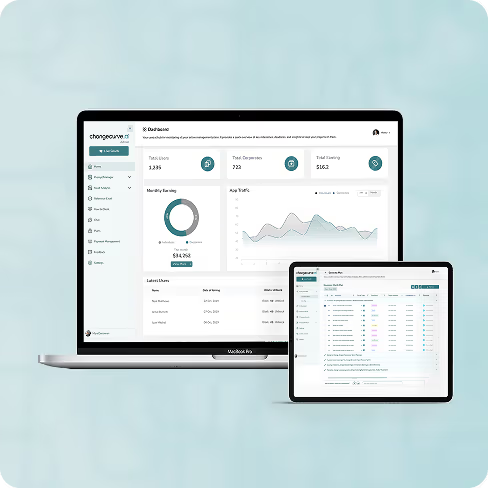
Change Management
AI-Powered Enterprise Change Management for Large-Scale Organizations
Enterprise change management software letting organisations execute, monitor and sustain change faster, with the progress of every initiative visible in one place.
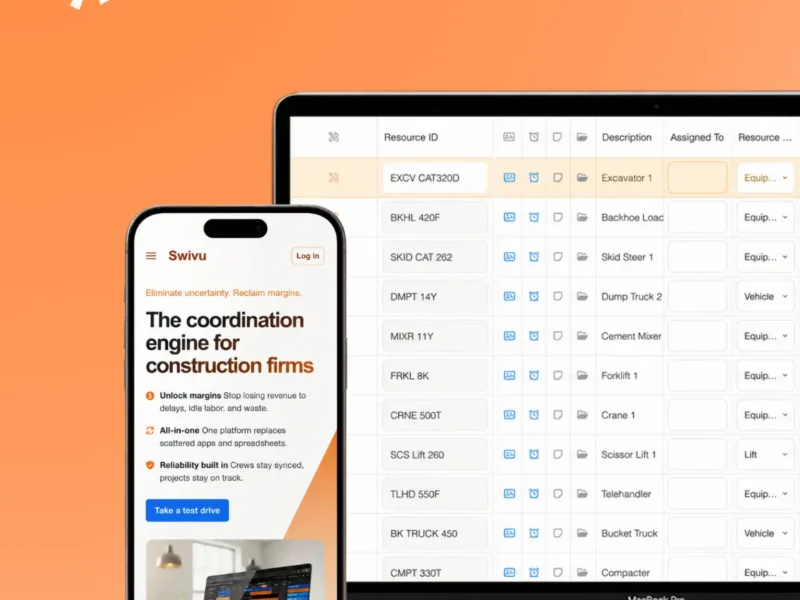
Construction Management
Real-Time Construction Coordination, From HQ to Field
A construction coordination platform for multi site work, replacing spreadsheets and scattered email with tasks, schedules and on site progress synced in real time.
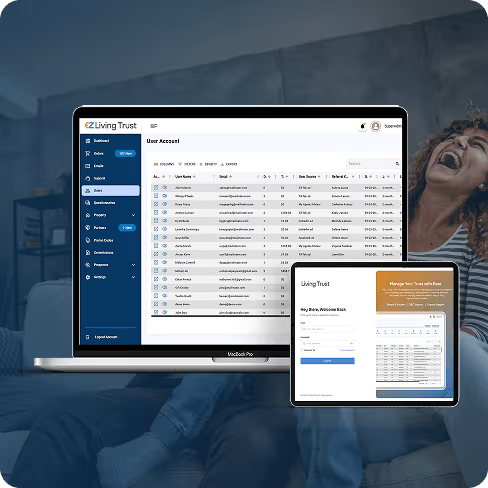
Legal & Estate Planning
Building a Secure, Multi-Portal Legal Platform
A digital estate planning platform running end to end across three portals, simplifying legal documentation and improving transparency for every party to a trust.
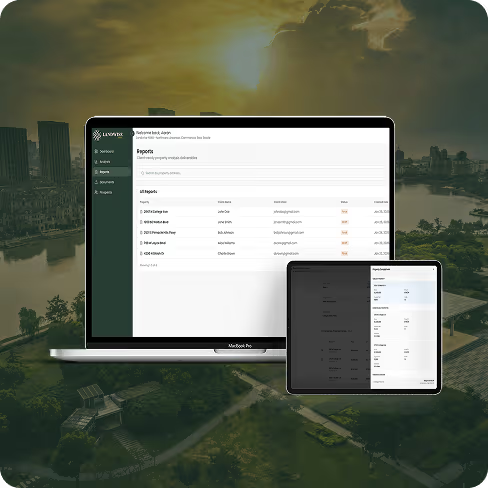
AI Based Real Estate Property
AI-Driven Property Insights Platform
Landwise NWA transforms commercial real estate workflows by providing AI-powered insights and data integration for faster decisions.
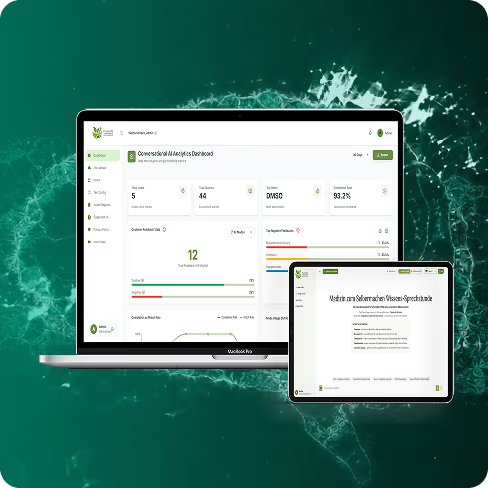
AI Automation
AI-Powered Content Automation Platform
An AI content engine that turns sales and strategy calls into ready-to-post content, matched to the brand's own voice and scheduled straight to LinkedIn.
07 Tech stack
What we automate with
The orchestration, extraction and integration tooling we build your automations on.
- OpenAI
- Claude
- Gemini
- Llama 3
- Mistral
- Falcon
- LangChain
- LlamaIndex
- Haystack
- DSPy
- LoRA
- PEFT
- Axolotl
- Unsloth
- Pinecone
- Weaviate
- pgvector
- Qdrant
- Chroma
- OpenAI API
- Anthropic API
- Vertex AI
- Bedrock
- LangSmith
- Langfuse
- Arize
- Helicone
- Guardrails AI
- NeMo Guardrails
- Presidio
- Streamlit
- Chainlit
- Next.js
- Vercel AI SDK
08 Challenges
Why automation projects disappoint
Automation projects disappoint when the documented process is automated instead of the real one, when exceptions have nowhere to go, or when nobody owns the thing after launch. Discovery and an agreed exception path deal with all three before a line of code is written.
Automating the process as documented
No exception path
Brittle screen scraping
Nobody owns it after launch
Automating a step that should be deleted
No baseline to measure against
09 Why us
Why Teams Choose Our Business Process Automation
Teams choose our business process automation because we map the work before automating it, design the exception path first, and measure against a baseline recorded up front. That is what makes the business case hold when finance asks what actually changed.
-
We Map Before We Automate
Discovery records how the work actually runs, including the workarounds nobody documented. That is what stops us automating a process that exists only on paper.
-
Exceptions Designed First
The escalation path is agreed before the happy path is built, because an automation without one moves work rather than removing it. Exceptions arrive at a person with the context already attached.
-
Integration Over Screen Scraping
We connect to systems through their interfaces wherever one exists. Where it does not, you hear about the trade off rather than inheriting a script that breaks on the next vendor release.
-
Measured Against a Baseline
We record handling time, error rate and volume before anything is automated, so the improvement is a comparison rather than a claim. The business case holds up when finance asks.
-
Auditable by Design
Every automated decision is logged with its inputs and its reasoning. In regulated processes that is the difference between an automation you can keep and one that is switched off at the first review.
-
We Will Tell You to Delete It
Some steps should be removed rather than automated. We say so, because making unnecessary work permanent and fast is worse than leaving it slow and visible.
10 More services
What else we build
The rest of our AI engineering range, from language models to dedicated delivery teams.
- AI Integration We wire AI into the systems you already run, with identity, data, latency and failure behaviour designed before anything ships.
- Machine Learning Development Forecasting, classification, and computer vision models trained on your data, deployed with monitoring so accuracy is measured rather than assumed.
- IT Staff Augmentation Senior engineers who join your sprints, tools, and review process, so capacity goes up without your team losing control of priorities.
- AI Agent Development Assistants and autonomous agents that work inside your systems, handling support, intake, and internal workflows with human handoff where it matters.
- Vibe Coding Cleanup AI-generated codebases made safe to build on: audited, tested, refactored in slices, and handed back with guardrails.
11 FAQ
Frequently asked questions
The things teams ask before automating a process with us.
Business process automation handles the repeatable parts of a process: reading and classifying documents, routing work, making rule based decisions, and moving data between systems. Anything ambiguous escalates to a person with the extracted fields and the reasoning already attached, so review is a check rather than a rekey.
Often, and it is a common starting point. We begin with an audit of tenancy, permissions and data model, because those three decide whether the codebase can be extended or should be replaced in slices. You get that answer in writing before committing to a build.
A scoped pilot usually reaches a working demo in four to six weeks, and a measurable outcome in a quarter. We agree the number we are moving before development starts and report against it from the first week, so progress is visible rather than asserted.
An audit or a two-week discovery is the usual way in. It is a fixed fee, it produces something you keep whatever you do next, and nothing about it obliges you to carry on with us.
It depends on how much of your volume is genuinely repetitive and how good your knowledge sources are. We measure your own baseline during discovery and give you a range before you commit, rather than quoting an industry average that may not apply to your catalogue.
12 Get in touch
Ready to map a process?
Tell us which process is costing you the most time. We come back with what can be automated, what should be deleted, and what it would take.
- 2451 West Grapevine Mills Circle , Grapevine, TX 76051 · USA , +1 (424) 304-1086 ,
- info@kodertal.com