

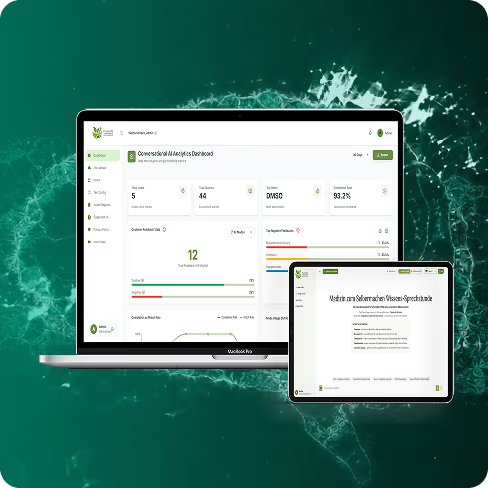
A triage layer that resolves routine tickets end to end and hands complex cases to agents with a full summary and suggested next steps.
Swivu Engineering Construction Management
Real-Time Construction Coordination, From HQ to Field
A construction coordination platform for multi site work, replacing spreadsheets and scattered email with tasks, schedules and on site progress synced in real time.
Summarise this with
- Industry
- Construction Management
- Region
- United States
- Engagement
- Custom Web + Mobile Portal
- Coverage
- 100+ regions
01 Drag to explore
Inside the Platform
-
Mobile dispatch -

Live dashboards -

Release pipeline -

HQ timeline -
Workload map -
Task detail -

Live error log
02 Key results
Measured Outcomes After Launch
What changed once HQ and the field were working from the same live picture.
- 2 Hrs
- Time saved daily Faster scheduling and fewer bottlenecks
- 30%
- Fewer errors Live logs reduced repeat mistakes
- 25%
- Overhead drop Fewer admin loops and manual follow-ups
- 4X
- Reporting speed Auto dashboards synced instantly
03 The challenges
What Was Breaking Coordination at Scale
Nine friction points, spread across the sites, the office, and the stack underneath both.
-
Excel Fragmentation
Multiple spreadsheets across sites created inconsistent status, duplicate updates, and slow decision-making for supervisors and department leads.
-
Field-to-HQ Gaps
Verbal updates and scattered messages caused delays, unclear ownership, and missed handoffs between on-site teams and HQ.
-
Minimal UI Pressure
The product had to stay simple for non-technical users while still supporting complex scheduling, task views, and reporting needs.
-
Dense Functionality Needs
Multi-site coordination demanded advanced backend logic, filtering, dashboards, and sync, without turning daily use into training-heavy software.
-
Complex Filter Logic
Projects, departments, and roles required multi-layer filters that had to remain fast, accurate, and consistent across views.
-
Real-Time Sync Reliability
Keeping HQ dashboards and mobile updates aligned introduced edge cases under load and during intermittent site connectivity.
-
Concurrency Edge Cases
As activity increased, simultaneous updates risked state conflicts and inconsistent task timelines across departments.
-
Scaling Async Workloads
As the system grew, Celery job orchestration and Redis caching required careful tuning, monitoring, and stability checks.
-
Data Volume Stress
Logs, user actions, and regional activity increased indexing and routing demands across PostgreSQL and infrastructure layers.
04 The solutions
Lean UI, Deep Engineering Reliability
Six decisions that kept the surface simple for site crews while the system underneath took the load.
Talk Through Your Build-
Minimal UI, Modular Logic
We separated UI presentation from core logic so the interface stayed lightweight while deeper capability lived in reusable components, keeping daily usage simple for field teams.
-
Dynamic Multi-Level Filters
We implemented indexed, backend-driven filters with query optimization and state memory, enabling deep drill-downs across projects, departments, and roles without slowing pages.
-
Reliable Real-Time Sync
We combined Redis-backed pub-sub patterns with Celery workers and WebSocket triggers so HQ dashboards and mobile apps stayed aligned, even under heavy activity.
-
Scaling-Ready Backend
We tuned Django and PostgreSQL for scale using connection pooling and read replicas to keep workflows responsive, targeting latency under 200ms across high-use paths.
-
Role-Based Dashboards
We built scoped views using Django permissions and context-aware dashboard rules that adapt by project type, department, and whether a user operates on-site or in HQ.
-
Region-Aware Performance
We supported multi-site performance with region-aware caching and CDN routing, improving speed and reducing load time friction for distributed teams.
05 Core features
Features That Drive Field Execution
What shipped, and what each part of it is there to do.
-
HQ Timeline & Workload Map
Central planning view to assign work, balance teams, and track timelines across sites.
-
Mobile-Friendly Work Dispatching
Lightweight mobile experience for on-site updates, task completion, and quick status reporting.
-
Error & Performance Logging
Live logs highlight issues early, reduce repeat errors, and improve operational accountability.
-
Real-Time Project Data Flow
Instant updates across HQ and field to reduce waiting, rework, and misaligned priorities.
-
Region-Aware Deployment Caching
Faster load times for multi-site teams using caching strategies tuned for distributed usage.
-
Custom Role-Based Permissions
Access controls ensure each role sees the right tasks, dashboards, and operational context.
-
Live Metrics & Dashboards
Auto-synced dashboards for supervisors to view progress without manual spreadsheet aggregation.
-
Version Control & CI/CD
Structured releases using GitHub Actions to reduce risk and keep deployments repeatable.
-
Secure Multi-Site Architecture
Built for multi-location collaboration with stable backend patterns and secure infrastructure practices.
06 Use cases
The Old Way, and What Replaced It
Two workflows that carry most of the daily load, how each one used to run, and what it runs on now.
-
Task Tracking and HQ to Field Sync
BeforeDelayed updates caused task bottlenecks and misalignment.
After- Real-time sync between HQ and field teams
- Mobile app for instant task updates
Result Smooth task tracking and significantly improved communication.
-
Performance & Error Logging
BeforeManual tracking resulted in missed issues and inefficiencies.
After- Automated error and performance logging
- Live dashboards for management visibility
Result Faster issue resolution and reduced project delays.
07 Tech stack
Technology Behind the Build
A lean surface over Django, Postgres and Redis, deployed region-aware so distributed crews get the same speed.
-
Frontend
- React UI framework
- Tailwind CSS Styling
- TypeScript Typed JavaScript
-
Backend
- Python Backend language
- Django Web framework
- Node.js Runtime
- Celery Async job queue
-
Data & Caching
- PostgreSQL Primary database
- Redis Cache and pub/sub
- WebSockets Live updates
-
Cloud & Delivery
- AWS Cloud hosting
- Azure Cloud hosting
- Kubernetes Orchestration
- GitHub Actions CI/CD
-
Automation & Integrations
- Zapier Automation
- n8n Workflow automation
- HubSpot CRM
- Salesforce CRM
- HighLevel Marketing ops
09 More work
Other Projects We Have Shipped
A few more builds where the brief was the same: keep it simple to use, and hard to break.
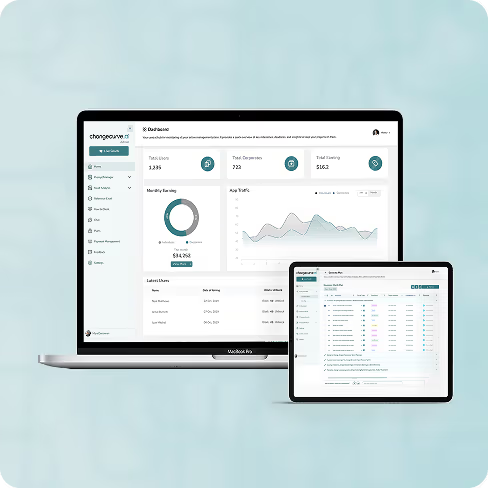
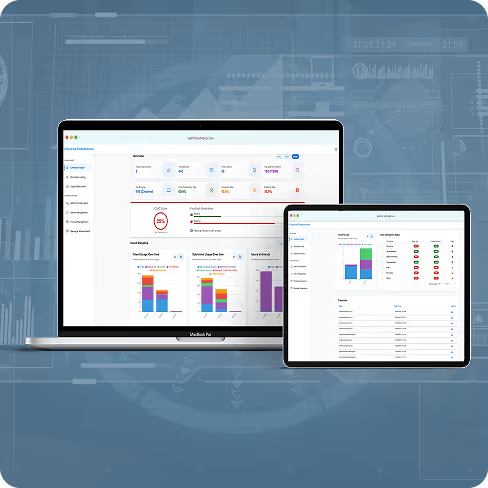
Change Management
AI-Powered Enterprise Change Management for Large-Scale Organizations
Enterprise change management software letting organisations execute, monitor and sustain change faster, with the progress of every initiative visible in one place.
80%
Reduction in consulting costs
2x
Faster change execution
3x
Higher adoption rates
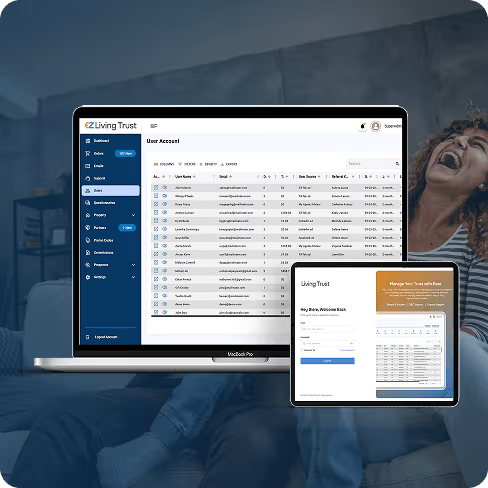
Legal & Estate Planning
Building a Secure, Multi-Portal Legal Platform
A digital estate planning platform running end to end across three portals, simplifying legal documentation and improving transparency for every party to a trust.
3
Portals in one platform
7
Step guided workflow
12
Month engagement
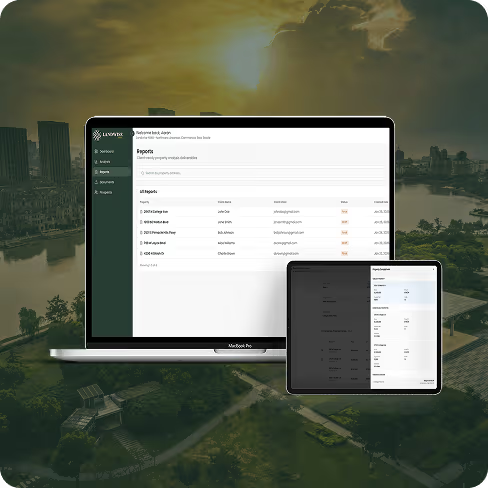
AI Based Real Estate Property
AI-Driven Property Insights Platform
Landwise NWA transforms commercial real estate workflows by providing AI-powered insights and data integration for faster decisions.
4x
Faster call evaluation
90%
Coaching accuracy
3x
Rep engagement
AI Automation
AI-Powered Content Automation Platform
An AI content engine that turns sales and strategy calls into ready-to-post content, matched to the brand's own voice and scheduled straight to LinkedIn.
30%
Cost reduction
50%
Faster decisions
90%
Prediction accuracy
10 Book a call
Have a Coordination Problem Like This?
Tell us where the handoffs break today. We reply within one business day with a next step and the engineer who would run the work.
- 2451 West Grapevine Mills Circle , Grapevine, TX 76051 · USA , +1 (424) 304-1086 ,
- info@kodertal.com
- Reply within 1 business day, 24/7 support once live